


简介
比较喜欢的一个开源项目(是Meta公司开发的),为什么要介绍它,我一直都想要一个不需要联网的AI大语言模型,由于性能和一些问题,在笔记本上跑的会非常吃力,而Ollama却完美的解决了。主要用起来方便,让它自己通过大量的数据进行学习,模型微调出自己的一个AI助手,想想就激动。
网络搜索介绍:
Ollama是一个为本地运行开源大型语言模型而设计的简化工具,它通过将模型权重、配置和数据集整合到一个由Modelfile管理的统一包中,极大地简化了LLM的部署过程。Meta公司,即元宇宙平台公司,公开发布了LLaMA,并对商业用途提出了许可要求。2023年7月,Meta公司发布了人工智能模型LLaMA 2的开源商用版本,意味着大模型应用进入了“免费时代”,初创公司也能够以低廉的价格来创建类似ChatGPT这样的聊天机器人。2024年7月23日,Meta发布了LLaMA 3.1 405B开源人工智能模型。
Ollama Github
下载安装
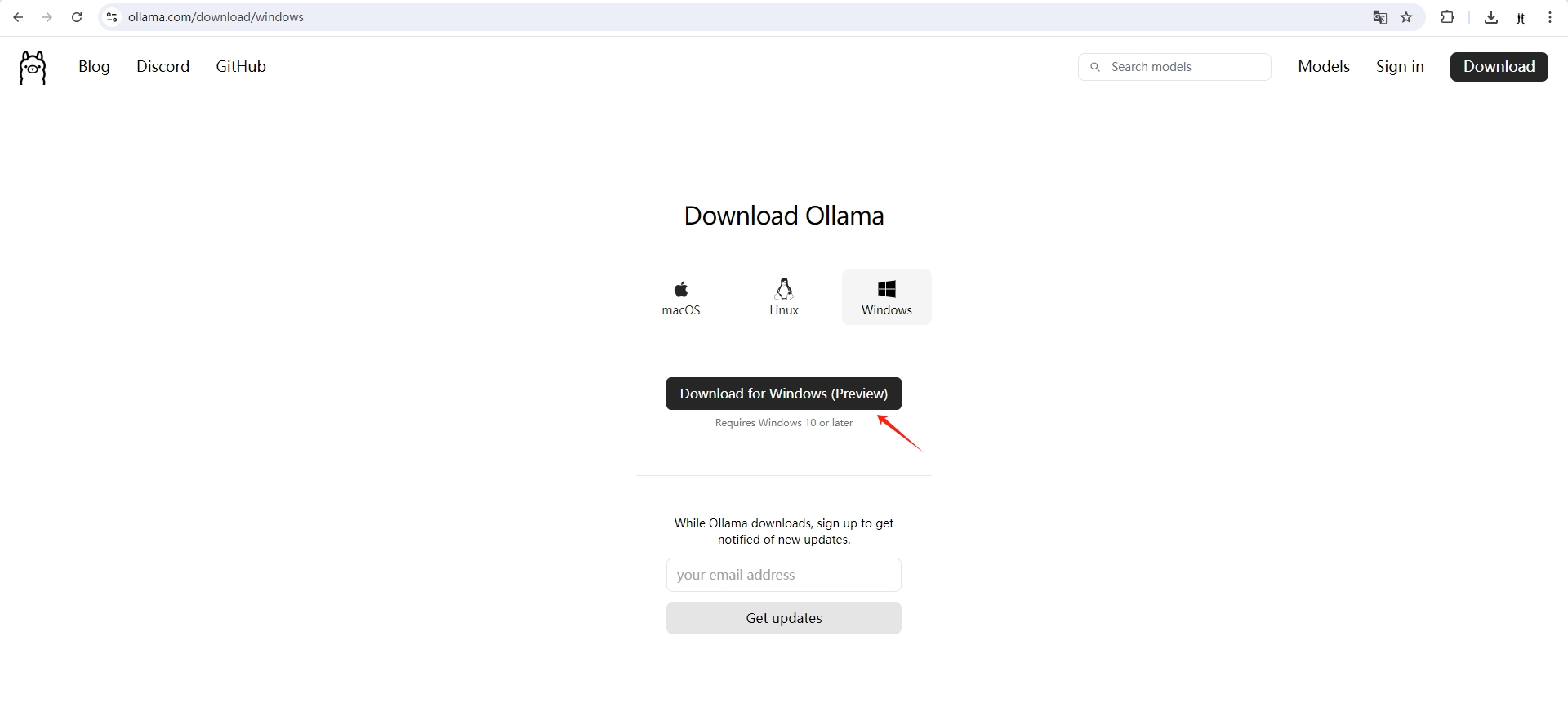
没什么好说的,用什么操作系统就下载哪个版本,直接图形化无脑下一步安装。
官网下载
基本使用
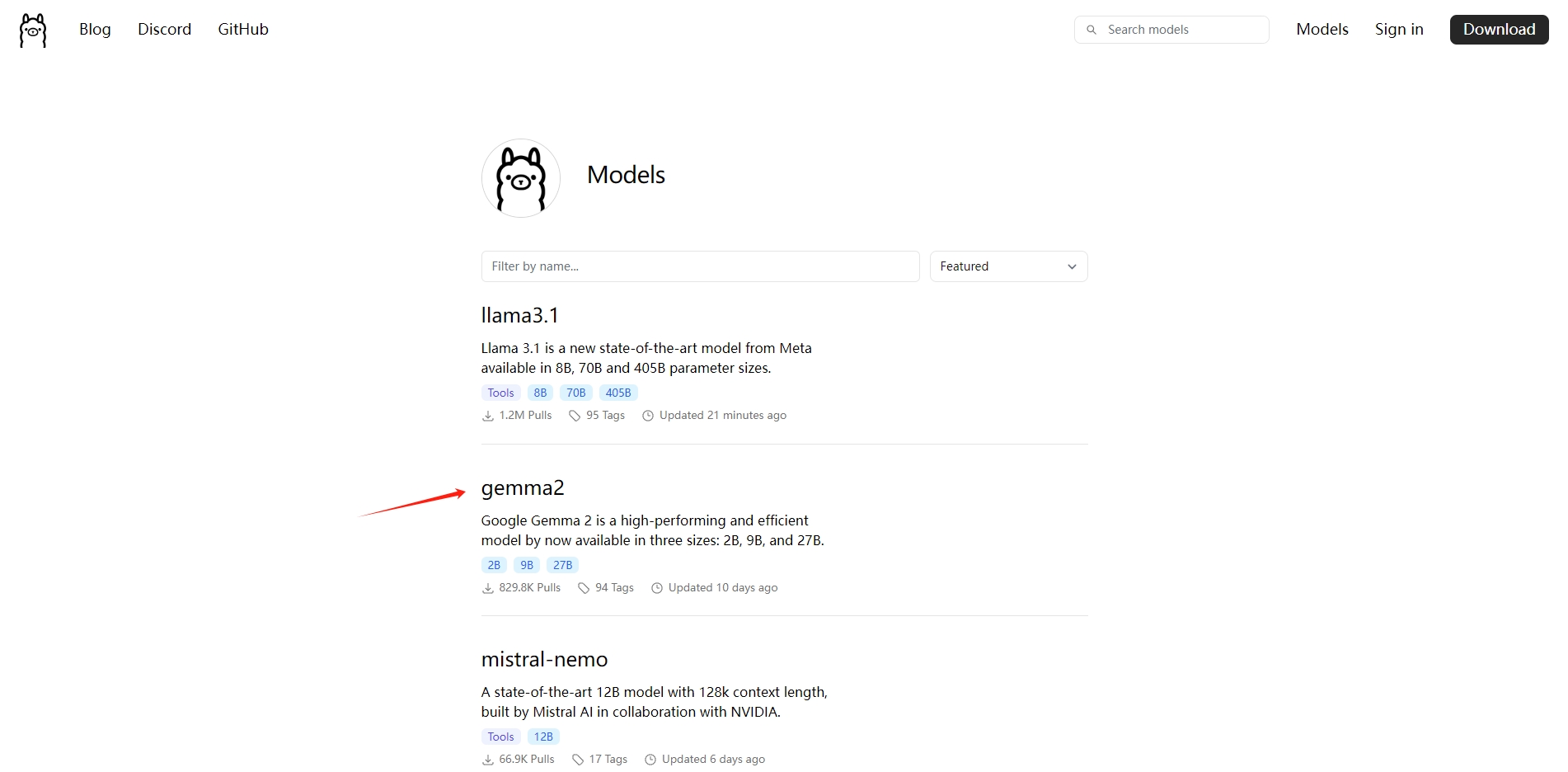
自己找吧,我比较喜欢用 gemma2,看个人喜好了吧。
模型下载
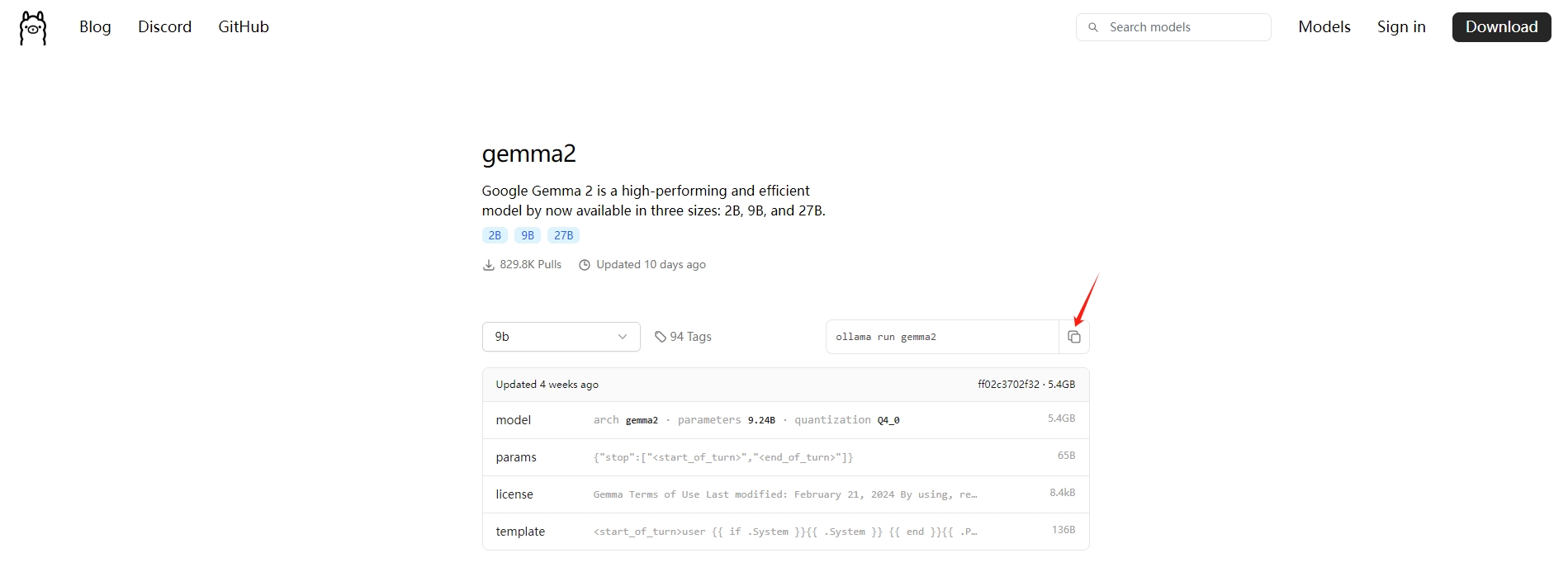
复制这句代码,到Windows终端上,输入下载
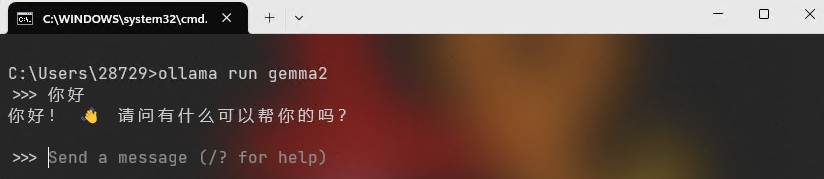
模型运行
ollama run gemma2 // 交互式
ollama run gemma2 "你好" // 传参式
自定义GGUF模型
FROM ./vicuna-33b.Q4_0.gguf // 创建一个名为的文件 Modelfile,包含FROM要导入的模型的本地文件路径的指令。
ollama create example -f Modelfile // 在 Ollama 中创建模型
ollama run example // 运行模型多态模型
ollama run llava "What's in this image? /Users/jmorgan/Desktop/smile.png"
The image features a yellow smiley face, which is likely the central focus of the picture.
提示作为参数传递
ollama run llama3.1 "Summarize this file: $(cat README.md)"
Ollama is a lightweight, extensible framework for building and running language models on the local machine. It provides a simple API for creating, running, and managing models, as well as a library of pre-built models that can be easily used in a variety of applications.
模型微调
FROM gemma2

# set the temperature to 1 [higher is more creative, lower is more coherent]
PARAMETER temperature 1

# set the system message
SYSTEM """
You are Mario from Super Mario Bros. Answer as Mario, the assistant, only.
"""
ollama create mario -f ./Modelfile
ollama run mario
>>> hi
Hello! It's your friend Mario.接口调用
curl http://localhost:11434/api/generate -d '{
  "model": "gemma2",
  "prompt":"你好呀"
}'
curl http://localhost:11434/api/chat -d '{
"model": "gemma2",
"messages": [
{ "role": "user", "content": "你好呀" }
]
}'Python 例子
异步聊天
import mysql.connector
import ollama
import asyncio

async def main():
    client = ollama.AsyncClient()
    messages = []

    while True:
        if content_in := input('>>> '):
            messages.append({'role': 'user', 'content': content_in})
            message = {'role': 'assistant', 'content': ''}
            async for response in await client.chat(model='gemma2', messages=messages, stream=True):
                if response['done']:
                    messages.append(message)
                content = response['message']['content']
                print(content, end='', flush=True)
                message['content'] += content
            print()
try:
    asyncio.run(main())
except (KeyboardInterrupt, EOFError):
    pass
模型创建
all_content = "你是一个很牛的程序员"
modelfile='''
FROM gemma2
PARAMETER temperature 1
SYSTEM %s
'''.strip() % all_content
ollama.create(model='maon', modelfile=modelfile)
流式输出
from ollama import chat

messages = [
  {
    'role': 'user',
    'content': '你好呀',
  },
]

for part in chat('gemma2', messages=messages, stream=True):
  print(part['message']['content'], end='', flush=True)
print()
解决网络搜索
待更新...




评论 (0)